Last updated: 10/23/2026
Mastercam Mill is a world-leading CNC milling programming software solution, empowering businesses to program everything from basic 2D milling details to complex 3D models and multi-axis machining. Integrated with proprietary Dynamic Motion technology, Mastercam Mill helps optimize toolpaths, reduce machining cycle times by up to 70%, and significantly extend cutting tool lifespan.
What is Mastercam Mill in CNC Machining?
Mastercam Mill is a specialized CAM software module dedicated to Computer Numerical Control (CNC) milling machines, researched and developed by CNC Software, LLC. This solution provides programming engineers with a comprehensive working environment to generate toolpaths, simulate cutting processes, and output precise G-code for a wide variety of CNC machine lines.
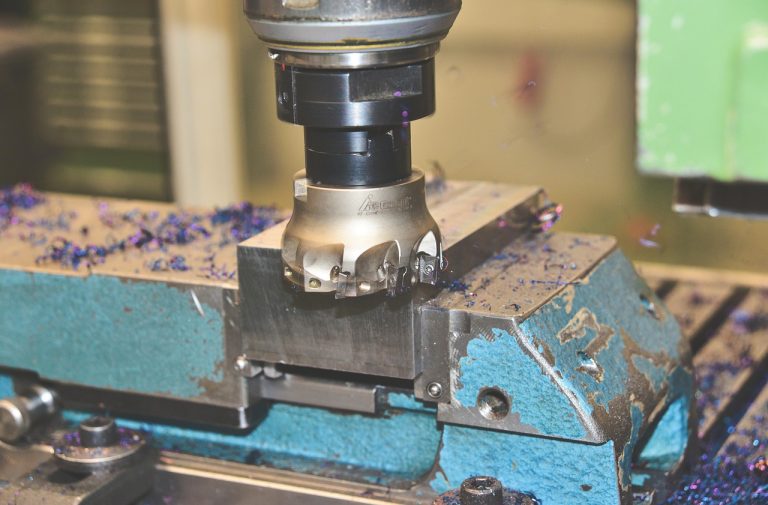
In the manufacturing industry, milling is one of the most common material removal methods. Applying Mastercam Mill helps seamlessly convert 2D or 3D CAD design files into automated CNC machine control commands. Thanks to high compatibility with popular control systems such as Fanuc, Heidenhain, Siemens, Haas, and Mitsubishi, Mastercam Mill ensures that CNC machines operate precisely according to the design intent.
A standout feature of Mastercam Mill is the combination of intelligent toolpath calculation algorithms and an intuitive user interface. You can check out more details on Mastercam’s official milling solutions page to stay updated on the latest CAD/CAM industry standards.
Classification of 4 Popular Mastercam Mill License Levels
To meet diverse production needs ranging from small machine shops to aerospace component manufacturers, Mastercam Mill software is divided into license packages with progressively advanced features. Choosing the right software tier helps businesses optimize initial investment costs and maximize the hardware capabilities of their CNC machines.
| Module Level | Key Features | Suitable Machining Types | Output Format |
|---|---|---|---|
| Mastercam Mill Entry | Basic 2D milling, drilling, tapping, chamfering, wireframe simulation. | Simple component machining, fixture making, small machine shops. | Standard 2.5-axis G-code. |
| Mastercam Mill | Full 2D features, basic 3D single surface milling, 2D Dynamic Motion. | Simple mold manufacturing, standard machine components. | 3-axis G-code. |
| Mastercam Mill 3D | Complex 3D surface machining (Surfaces & Solids), High-Speed Machining (HST) roughing/finishing, Dynamic 3D. | High-precision molds, stamping dies, complex curved surfaces. | Advanced 3-axis & 4-axis positional G-code. |
| Mastercam Multiaxis | Simultaneous 4-axis and 5-axis machining, tool collision checking, tool axis direction control. | Turbine blades, aerospace components, sophisticated medical devices. | Simultaneous 4-axis & 5-axis G-code. |
Each of the above levels is designed to scale alongside business growth. You can easily start with the basic Mastercam Mill package and upgrade to Mill 3D or Multiaxis as your manufacturing machinery scales up.
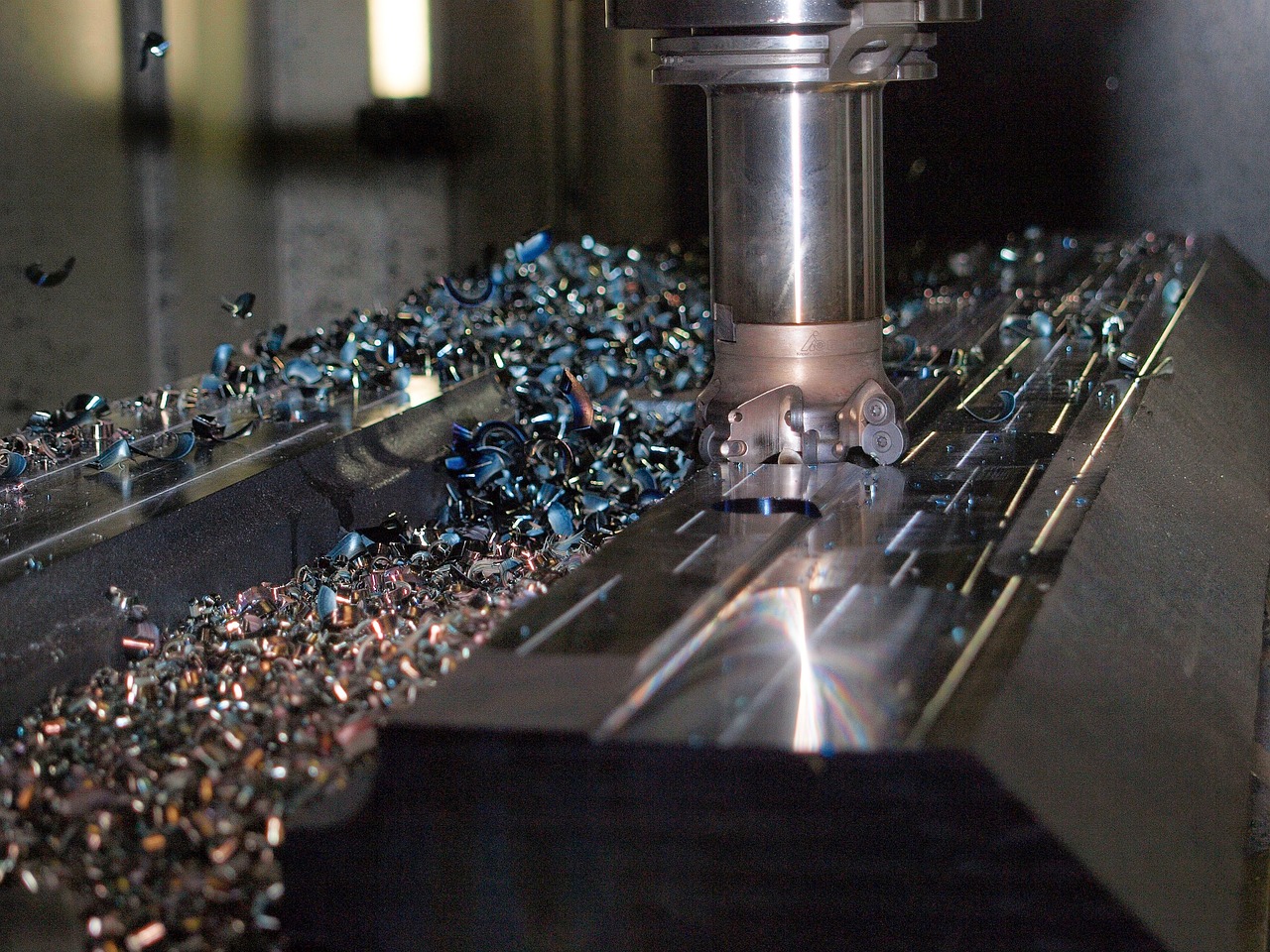
Core Features That Help Mastercam Mill Optimize Milling Machining
Dynamic Motion High-Speed Machining Technology
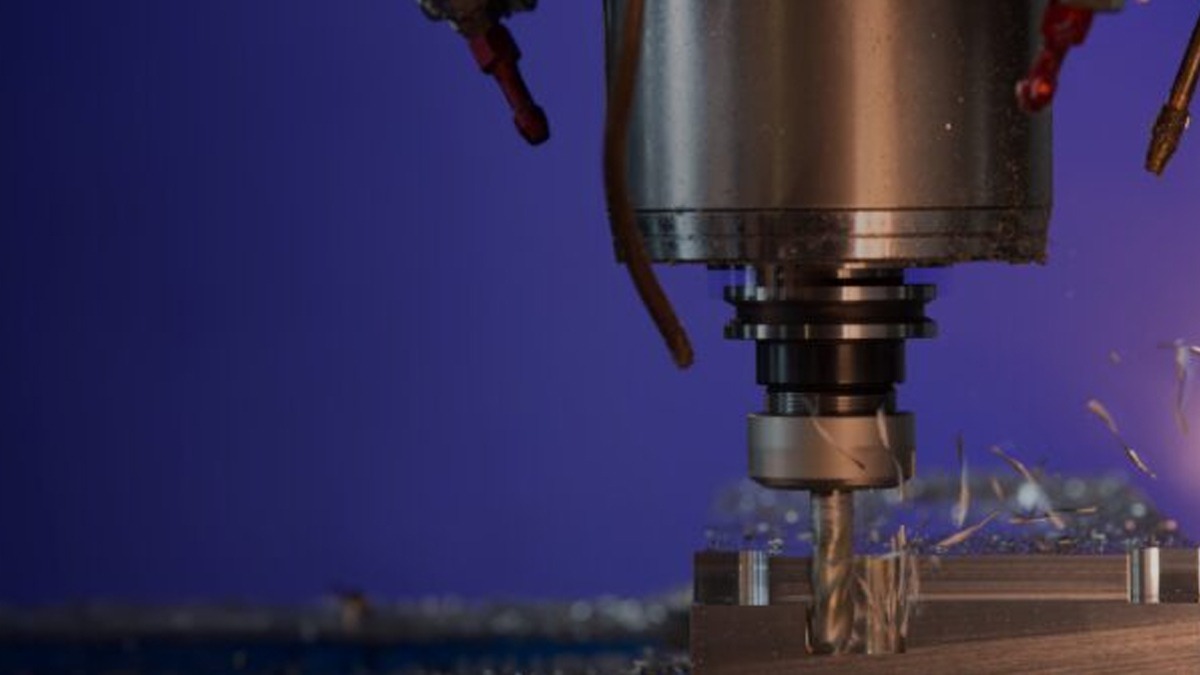
Dynamic Motion technology (or Dynamic Milling) is a major breakthrough in Mastercam Mill’s CAM programming techniques. Unlike traditional toolpaths that use a fixed stepover angle, Dynamic Motion applies advanced algorithms to maintain a constant cutting load on the cutting tool throughout the machining process.
When the tool cuts deep into the material, the software automatically adjusts the toolpath into a trochoidal pattern at tight corners. This completely eliminates tool jamming or breakage caused by sudden load deformations. By maintaining a small radial engagement angle of just 10% to 15% of the tool diameter while maximizing the axial depth of cut in the Z-axis, Dynamic Motion reduces heat buildup on the cutting edge, increases tool life by up to 300%, and significantly shortens machine running times.
2D and 3D High-Speed Toolpaths Systems
Mastercam Mill features a diverse inventory of High-Speed Toolpaths (HST) algorithms, suitable for both roughing and finishing operations:
- OptiRough: A high-speed 3D roughing strategy that allows large volumes of material to be removed quickly by combining large Z-depth cuts and up-milling steps from the bottom up.
- Waterline & Scallop: 3D surface finishing cycles that deliver ultra-high surface smoothness. The Waterline strategy is optimal for vertical walls, while Scallop maintains consistent stepover distances across both flat basin areas and steep walls.
- Equal Scallop: Ensures uniform surface roughness (Ra) across the entire part, helping minimize manual polishing stages after machining.
Simulation and Collision Detection Capabilities
The Simulation feature in Mastercam Mill provides a vivid 3D rendering environment for the entire CNC milling system, including the machine table, fixtures, tool holders, and stock material. Engineers can easily monitor the material removal process in real-time before sending the program to the physical machine.
The automatic Collision Detection algorithm will immediately issue a warning if the tool shank hits the stock, or if the spindle nose collides with the vise clamps. This eliminates the risk of damaging expensive CNC machines and ensures absolute safety for the operator. To reference accurate cutting principles, engineers can read more about CNC milling principles standards in mechanical engineering.
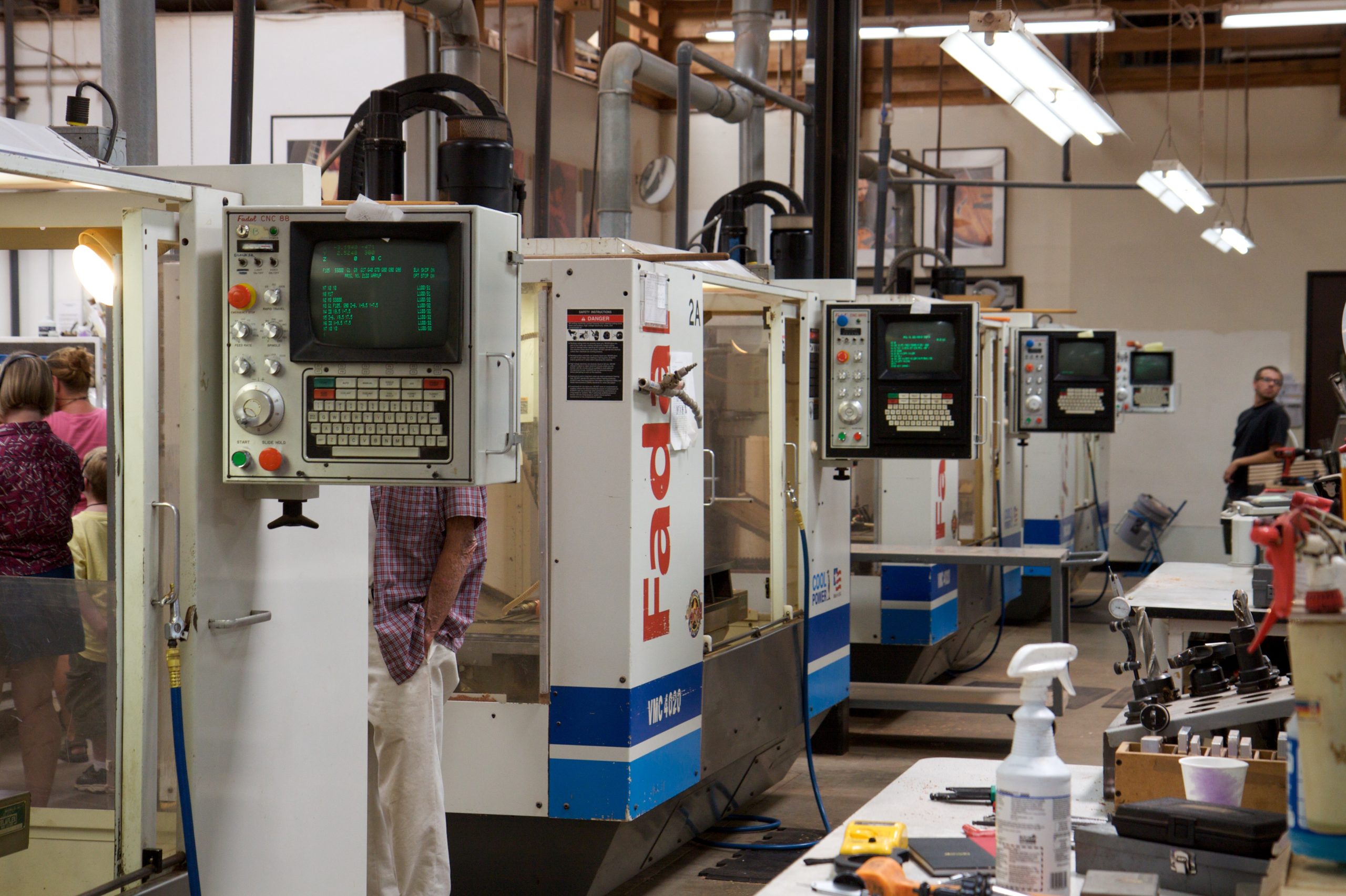
5-Step Milling Programming Workflow with Mastercam Mill
To achieve the highest efficiency when programming CNC milling, engineers need to follow a standard 5-step workflow consisting of the following steps:
Step 1: Importing the CAD Model and Preparing the Workpiece Stock
First, the user opens a 3D file from design software such as SolidWorks, Inventor, CATIA, or NX into Mastercam Mill. The software supports direct reading of native files or neutral formats like STEP, IGES, and Parasolid. Next, use the Stock Setup feature to define the stock (box, cylinder, or pre-cast shape) to serve the simulation stage.
Step 2: Setting Up the WCS Coordinate System and Selecting Milling Tools
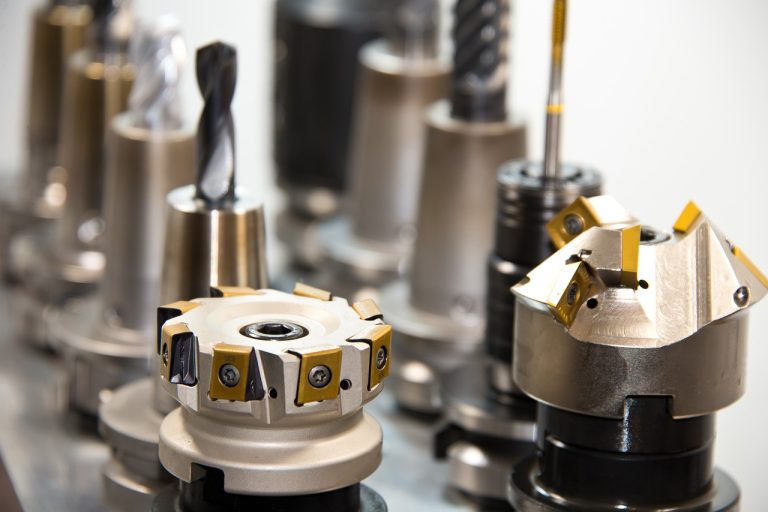
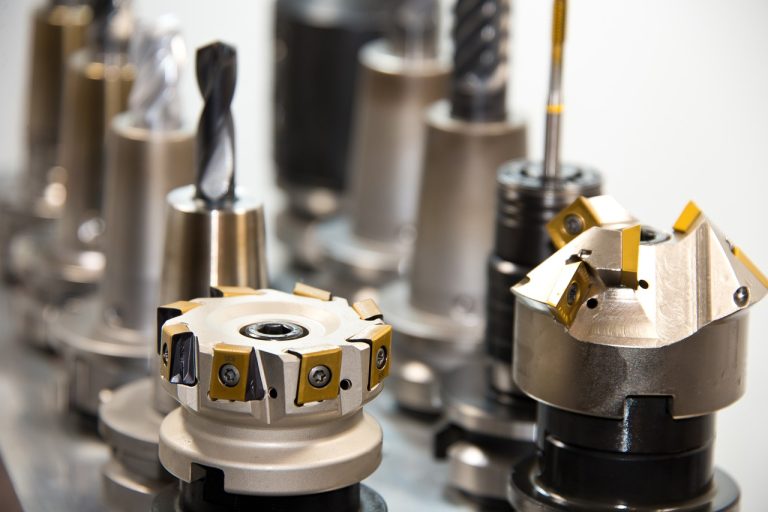
Establish the Work Coordinate System (WCS) to match the coordinate origin set on the physical CNC machine (G54, G55…). Then, the engineer accesses the Tool Manager library in Mastercam Mill to select the appropriate tool type (End Mill, Ball Mill, face mill, or drill). Tool length parameters, number of flutes, spindle speed (RPM), and feedrate must be declared accurately according to the tool manufacturer’s technical documentation.
Step 3: Setting Up Toolpath Cycles
Select the appropriate machining strategy for each feature region on the part:
- Use the 2D Dynamic Mill cycle for pockets and outer contours.
- Apply OptiRough for the 3D roughing strategy to remove the bulk of excess stock.
- Use Scallop or Spiral finishing to achieve the required surface smoothness.
- Set up the automatic Drill Toolpath cycle featuring Peck Drilling.
Step 4: Vericut/Simulation Collision Checking
Activate the Verify mode to review the entire 3D material cutting process. Carefully check remaining stock allowances (Stock Compare) using intuitive color coding to detect gouged areas or unmachined regions. To avoid the risk of Mastercam Verify reporting OK yet still colliding during physical machine setup, engineers must thoroughly check tool holder and fixture parameters before posting.
Step 5: Outputting G-code via the Post Processor
Once simulation and inspection are complete, click the Post-Processing (G1) command to compile the toolpaths in Mastercam Mill into G-code/M-code files compatible with the physical CNC machine’s controller. Using an accurate Post Processor ensures the CNC machine runs at the correct speeds without stuttering and optimizes machining time.
Mastercam Mill Applications in Manufacturing Industries
Thanks to its unmatched flexibility and precision, Mastercam Mill is currently the most widely applied CNC milling programming software in mechanical factories worldwide:
- Mold and Die Manufacturing: Programming the machining of stamping dies, die-casting molds, and plastic injection molds featuring complex contoured cavity and core surfaces.
- Automotive and Motorcycle Industry: Machining engine components, engine blocks, transmission housings, brake discs, and chassis parts that demand tight dimensional tolerances.
- Aerospace Industry: Programming the milling of aircraft frame structures made of aluminum alloys, titanium, or Inconel, which require optimal 5-axis toolpaths to reduce workpiece weight.
- Medical Industry: Manufacturing artificial joints, bone screws, and high-biocompatibility surgical implants requiring superior surface finish quality.
If you encounter technical issues during programming, refer to the detailed guides at Mastercam’s technical support documentation from the developer to quickly resolve any bottlenecks.
Reasons to Buy Mastercam Mill from Authorized Reseller Solid & Soft
Equipping your business with legal Mastercam Mill software plays a decisive role in ensuring stable production operations. Solid & Soft Co., Ltd. is proud to be an official Authorized Reseller of Mastercam in the Vietnamese market.
When purchasing Mastercam Mill licenses at Solid & Soft, customers will receive outstanding values:
- 100% Genuine Software: Ensuring full legal compliance and supporting updates to the latest Mastercam Mill versions straight from the developer.
- Dedicated Expert Engineering Team: Solid & Soft engineers are thoroughly trained, ready to consult on technical solutions and optimize custom Post Processors for each customer’s specific CNC machine line.
- Technology Transfer Training: Providing structured training courses from basic to advanced levels for workshop operating teams, helping businesses master the software in the shortest possible time.
- Competitive Pricing: Committed to optimal investment costs accompanied by thoughtful after-sales and customer care policies.
Contact Solid & Soft today to get a Mastercam Mill quote and experience the most professional technical support services in Vietnam.