
Last updated: 11/09/2026
Establishing robust consulting firm document security is no longer just an IT operational requirement—it is a core business mandate. Professional service providers, law practices, strategic consultancies, and financial advisory firms handle some of the most sensitive enterprise data in existence. Protecting this intellectual property requires deployable cloud storage solutions featuring granular access controls, ISO/IEC 27001 compliant data encryption, and secure external document-sharing infrastructure. Leveraging Dropbox Business enables organizations to maintain total oversight over access rights, mitigate the risk of departing employees leaking client data, and track real-time document interaction across global teams.
What is consulting firm document security and why does it matter?
At its core, consulting firm document security encompasses a unified strategy combining technical controls, structured operational policies, and enterprise storage technologies. It aims to protect sensitive client materials—including litigation records, due diligence reports, tax audits, trade secrets, business restructuring strategies, and M&A contracts—against unauthorized access, cyber threats, internal leakage, and accidental deletion.
For legal practices and strategy advisory organizations, data breaches result in severe repercussions far beyond financial penalties. The loss of client confidentiality directly compromises professional credentials, triggers legal liability claims, and inflicts long-term reputational damage. In an era where hybrid work is the industry standard, ensuring end-to-end security across remote environments, mobile devices, and third-party collaborations is fundamental to maintaining client trust.
Top security challenges faced by professional service firms
During daily operations, law practices, auditing firms, and management consultants encounter complex operational vulnerabilities that standard consumer cloud storage cannot address:
- Data exfiltration during employee offboarding: Departing consultants or partners often attempt to export client lists, case studies, and proprietary project templates to personal accounts or external hardware before resigning.
- Unregulated external file sharing (Shadow IT): Teams under tight deadlines may use consumer-grade file transfer services or unencrypted email attachments to deliver draft contracts or due diligence archives, eliminating the firm’s ability to track or revoke access.
- Accidental overwriting and version confusion: Simultaneous edits by internal team members and external client teams frequently lead to lost work, corrupted master files, or the accidental disclosure of legacy tracked changes during active deal negotiations.
- Ransomware and endpoint threats: Remote consultants connecting via unsecured public networks expose enterprise repositories to malware, credential harvesting, and targeted ransomware attacks.
- Local procurement and compliance hurdles: Local firms purchasing enterprise software directly overseas often face credit card payment barriers, lack valid local tax invoices (VAT) for expense accounting, and lack local technical support during emergency recovery situations.
The 4 pillars of modern enterprise document security
Before implementing software solutions, enterprise security architects recommend evaluating data infrastructure against four foundational security pillars:
- Zero-Trust Architecture: Never trust, always verify. Every user and device requesting access to firm repositories must be authenticated, authorized, and continuously validated.
- Granular Data Governance: Access rights must strictly adhere to the Principle of Least Privilege (PoLP), ensuring staff only access files directly required for their assigned client engagements.
- Comprehensive Auditability: Immutable tracking logs must record every file creation, modification, download, share, and deletion across the entire enterprise directory.
- Resilient Threat Mitigation: Systems must include immediate automated recovery tools to restore data integrity in the event of accidental deletion or ransomware encryption.
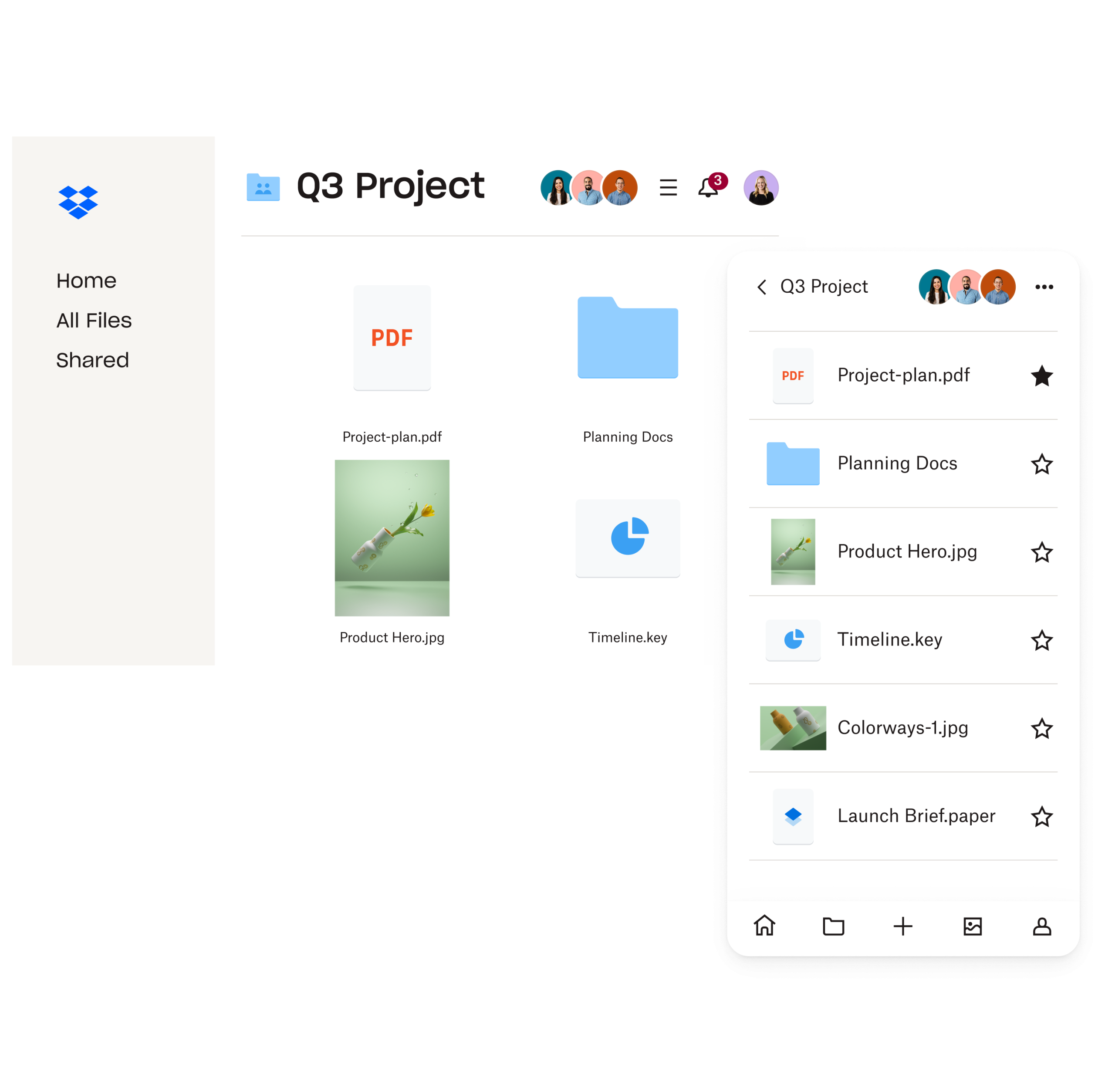
5 Essential features for consulting firm document security on Dropbox
Dropbox Business provides a deeply integrated, enterprise-grade security ecosystem purpose-built to address the operational and regulatory requirements of consulting and legal practices.
1. Granular permissions and multi-layered data encryption
Dropbox enforces industry-leading encryption standards across all platform layers. Data at rest is secured using AES 256-bit encryption, while data in transit is protected using SSL/TLS encrypted channels. System administrators can configure precise access controls tailored to specific organizational roles and client project structures:
- View-only rights: Authorize external advisors or clients to view materials online while strictly disabling text copying, printing, and file downloads.
- Download lock and dynamic preview control: Protect draft valuation models, proprietary frameworks, and unannounced M&A proposals from unauthorized dissemination.
- Multi-Factor Authentication (MFA) & Single Sign-On (SSO): Enforce mandatory OTP verification and seamlessly integrate with enterprise identity providers such as Okta, Azure Active Directory, or Ping Identity.
Global cloud security compliance certified under the ISO/IEC 27001 information security standard assures advisory firms that their remote workflows adhere to international compliance frameworks.
2. Advanced external sharing control with Dropbox DocSend
When circulating sensitive deliverables, pitch books, or audit files to third-party stakeholders, standard link sharing introduces security gaps. Integrated Dropbox DocSend gives consultants absolute control over shared assets:
- Password enforcement and automatic link expiration: Automatically revoke link access upon the conclusion of formal negotiation periods or project milestones.
- Domain and email verification restrictions: Restrict link access exclusively to specified email domains, preventing forwarded links from being accessed by unauthorized recipients.
- One-click access revocation: Immediately invalidate shared links if negotiations stall or legal conflicts arise.
- Granular document engagement analytics: Monitor page-by-page viewing metrics, time spent per section, and user interaction data to gauge client focus and detect unintended link dissemination.
Review detailed technical architecture on the official Dropbox security page to address specific organizational compliance questions regarding is Dropbox secure for enterprise deployment.
3. Version history retention and automated incident recovery
Consulting and legal teams manage multiple iterations of complex documents. Dropbox Business maintains comprehensive version histories for up to 180 days on standard plans and up to 1 year on advanced tiers. Key benefits include:
- One-click version rollback: Revert to original document states effortlessly if unauthorized or accidental modifications occur.
- Ransomware mitigation via Dropbox Rewind: Restore entire directory structures, shared drives, or user accounts to a precise timestamp prior to a malware infection or ransomware incident.
4. Enterprise audit logging and centralized remote management
The central Admin Console offers real-time oversight over all organizational data activities:
- Generates audit trail logs recording user activity, IP addresses, device types, and geographic locations for every file operation.
- Triggers automated administrator alerts when detecting anomalous file downloading behavior or unauthorized login attempts.
- Remote Wipe functionality: Enables IT administrators to instantly purge company data from lost, stolen, or offboarded employee devices without affecting personal files.
5. Standardizing sign-off workflows with Dropbox Sign
Circulating engagement letters, non-disclosure agreements (NDAs), and retainers requires streamlined, verifiable authorization. Embedded Dropbox Sign provides tamper-proof e-signature capabilities directly within the workspace:
- Includes audit trails detailing sign-off timestamps, IP addresses, and email validations.</li
- Accelerates client onboarding while maintaining strict compliance standards across global jurisdictions.
Legal note: In regional markets, Dropbox Sign functions as an advanced electronic signature solution designed to optimize corporate workflows and international business transactions. Firms should verify local statutory e-transaction laws for specific courtroom filings or statutory tax submissions requiring government-issued digital certificates.
Detailed security feature comparison across Dropbox business plans
To assist managing partners and IT directors in selecting the optimal deployment plan, the core security capabilities across enterprise tiers are summarized below:
| Security Criteria | Dropbox Essentials | Dropbox Business | Dropbox Business Plus |
|---|---|---|---|
| Target Audience | Sole Practitioners & Independent Consultants | Growing Teams & Mid-sized Practices | Enterprise Consultancies & Multi-partner Firms |
| Minimum User Requirement | 1 User | 3 Users | 3 Users |
| AES 256-bit Encryption & 2FA | Yes | Yes | Yes |
| Version History Retention | 180 days | 180 days | 1 Year |
| Audit Logging & Tracking | Basic Activity | Advanced Admin Controls | Custom SIEM Reports & Advanced Alerts |
| Remote Wipe Capability | Yes | Yes | Yes |
| Dropbox DocSend Integration | Basic Analytics | Optional Add-on | Advanced Analytics & Dynamic Watermarking |
| Centralized Team Management | No | Yes | Yes (Includes Tiered Admin Roles) |
| Support & VAT Invoice Procurement | Via Solid & Soft | Via Solid & Soft | Via Solid & Soft |
Explore full license specifications and plan capabilities on the official Dropbox Business product page.
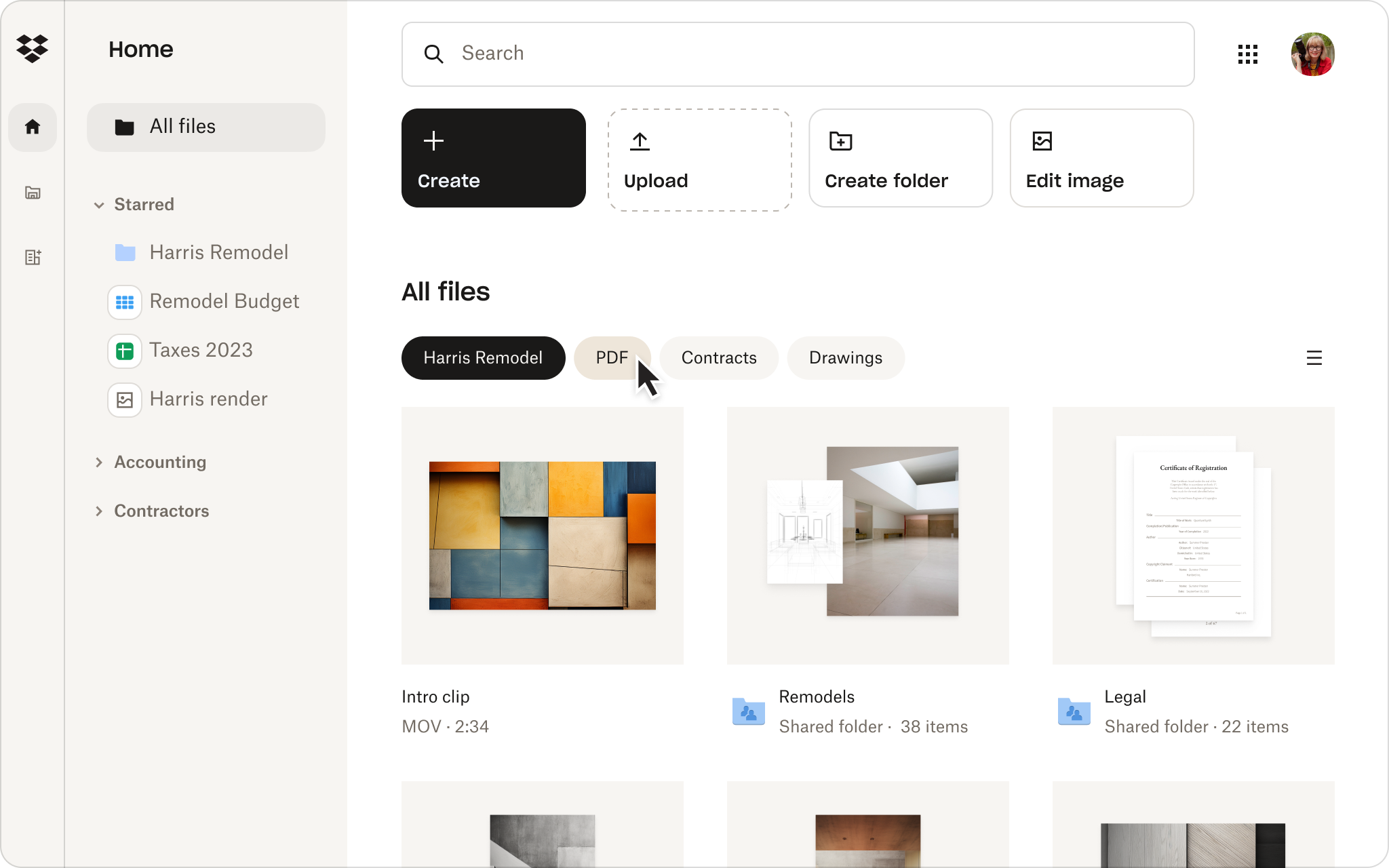
Industry-specific use cases: Maximizing data security in practice
Management consultancies
Strategy teams handling highly confidential corporate turnarounds use Dropbox to centralize research archives. By restricting folder permissions by project phase, firms ensure that external industry experts and temporary analysts only access relevant files without gaining visibility into master client accounts.
Legal and litigation practices
Law firms conducting electronic discovery and evidence gathering leverage Dropbox DocSend to share sensitive court exhibits with co-counsel and expert witnesses. Dynamic watermarking displays the recipient’s email address across background pages, deterring unauthorized screenshots or distribution.
Financial auditing & M&A advisory
During M&A due diligence, advisory teams establish virtual deal rooms using secure Dropbox team folders. Password protection, strict expiration dates, and real-time audit logs give deal leads complete transparency into when target buyers review financial records.
How to purchase legal Dropbox licenses with VAT invoices
Acquiring software licenses directly via international payment portals can present accounting challenges for local firms, including foreign exchange fees, lack of legitimate VAT invoices for tax deductions, and delayed customer support.
Solid & Soft is an official authorized Dropbox Distributor. Choosing to purchase genuine Dropbox licenses through Solid & Soft provides key enterprise advantages:
- Issuance of fully compliant local VAT tax invoices to simplify corporate expense deduction.
- Flexible corporate payment channels including local bank transfers.
- Expert technical deployment assistance, including security permission structure mapping and policy migration.
- Dedicated, localized customer support for swift resolution of account requests and data emergencies.
5-Step framework for setting up optimal consulting firm document security
- Step 1: Define Role-Based Access Controls (RBAC). Structure your directory into clear operational units (e.g., “Internal Operations”, “Active Engagements”, “Archived Projects”). Execute Dropbox file access management principles to grant access based on explicit user roles.
- Step 2: Enforce mandatory Multi-Factor Authentication. Require all employees and external contractors to enroll in MFA using authenticator applications prior to granting access to workspace files.
- Step 3: Standardize external sharing rules. Configure global admin policies so that all shared links default to view-only, require passcodes, expire automatically within 14 days, and block file downloads for sensitive directories.
- Step 4: Enable remote wipe protocols. Connect device management controls so that lost hardware or departing staff accounts can be wiped instantly upon trigger notification.
- Step 5: Perform routine audit log reviews. Audit access logs on a monthly schedule to spot anomalous downloads, unauthorized location logins, or unneeded active guest permissions.
Conclusion
Robust consulting firm document security forms the foundation of client trust and sustainable operational growth. By deploying Dropbox Business, advisory practices equip their workforce with enterprise-grade protection, granular access control, and rapid incident recovery tools. Contact Solid & Soft today—your authorized Dropbox distributor—to consult with technical experts and request optimized licensing quotes for your firm.
References
- Dropbox security features
- Dropbox security: help articles
- Dropbox features: store, share and collaborate
- Dropbox Help Center