

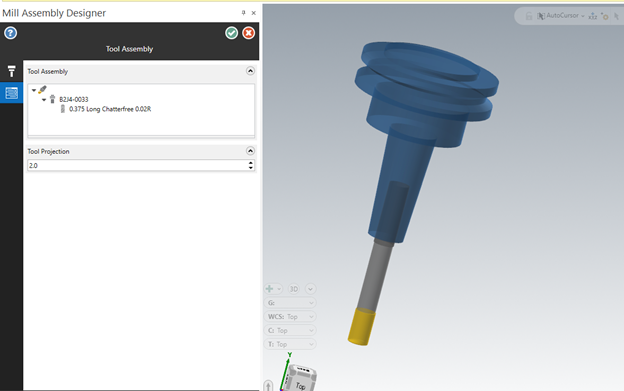
NEW Mill Tool Holder Designer
In Mastercam 2026, the Mill Tool Designer organizes tool setups into four primary pages:
Additionally, the Mill Holder Designer has been redesigned with a similar workflow, enabling users to design and manage tool holders more intuitively, consistently, and easily. Standardizing the workflow between the Tool Designer and Holder Designer provides a cohesive experience, shortens the learning curve, and enhances setup efficiency.
NEW Levels Manager
Mastercam 2026 introduces a redesigned Levels Manager with numerous workflow improvements, offering higher customizability and a superior user experience. Levels are now organized in a tree structure, allowing for:
Expanding or collapsing groups for more efficient organization.
The Levels Manager’s tree structure also enables users to easily toggle the visibility of objects on any level, significantly enhancing management flexibility.

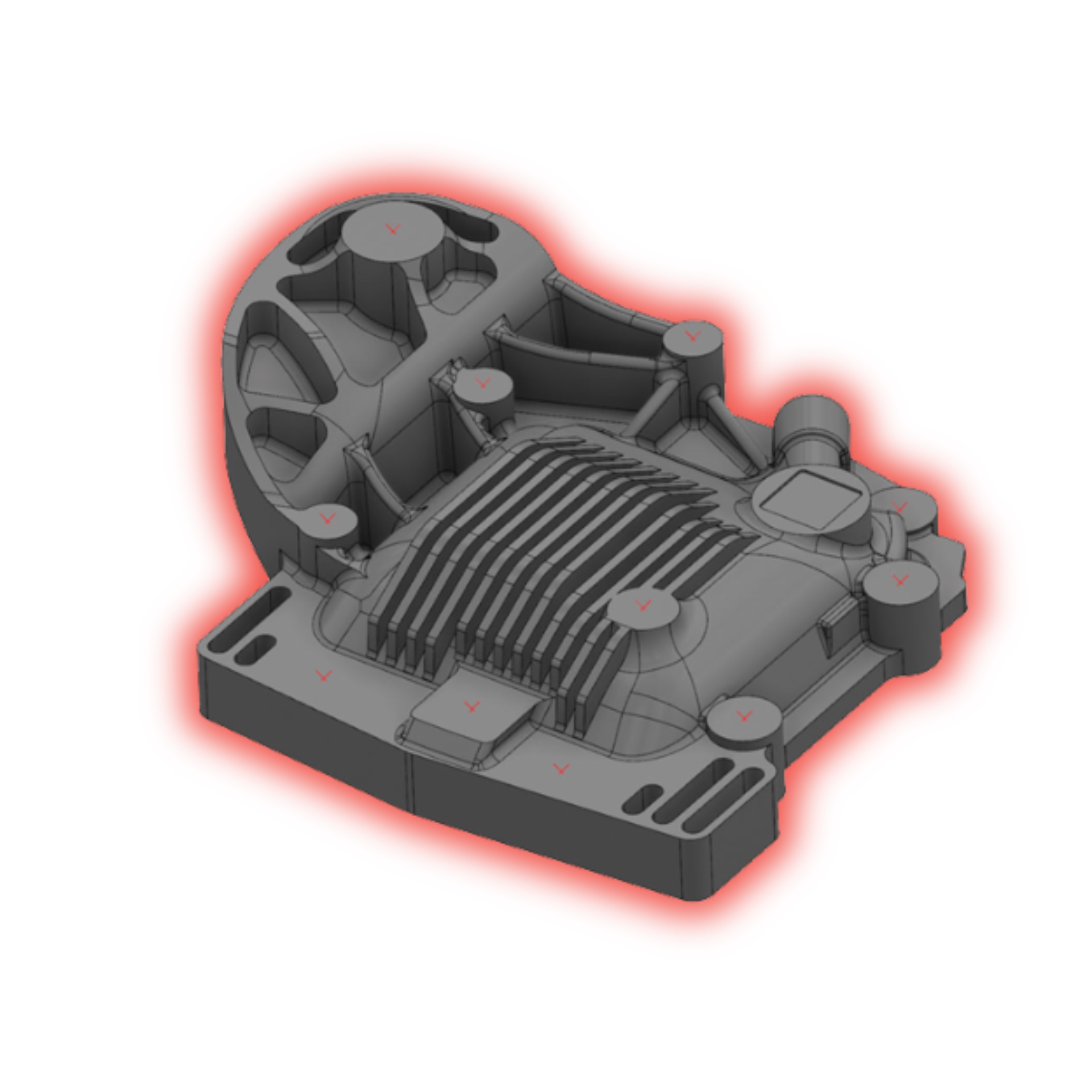
NEW Planes Manager
Mastercam 2026 introduces a redesigned Levels Manager featuring numerous workflow improvements, offering greater customizability and a superior user experience. Levels are now organized in a tree structure, allowing users to:
The Levels Manager’s tree structure also makes it easy to toggle the visibility of objects on any level, significantly enhancing management flexibility.
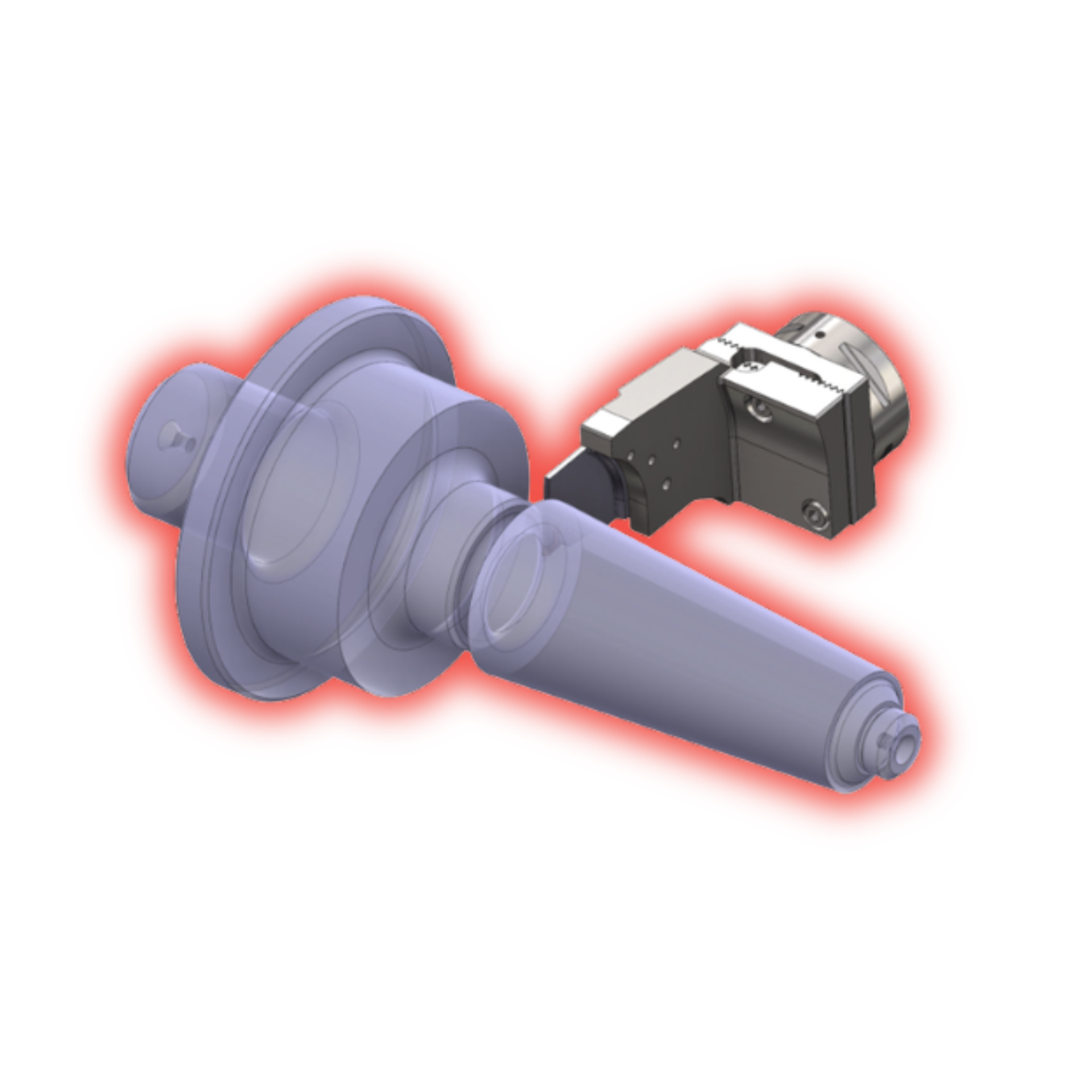
Lathe Generic tool Catalog Support
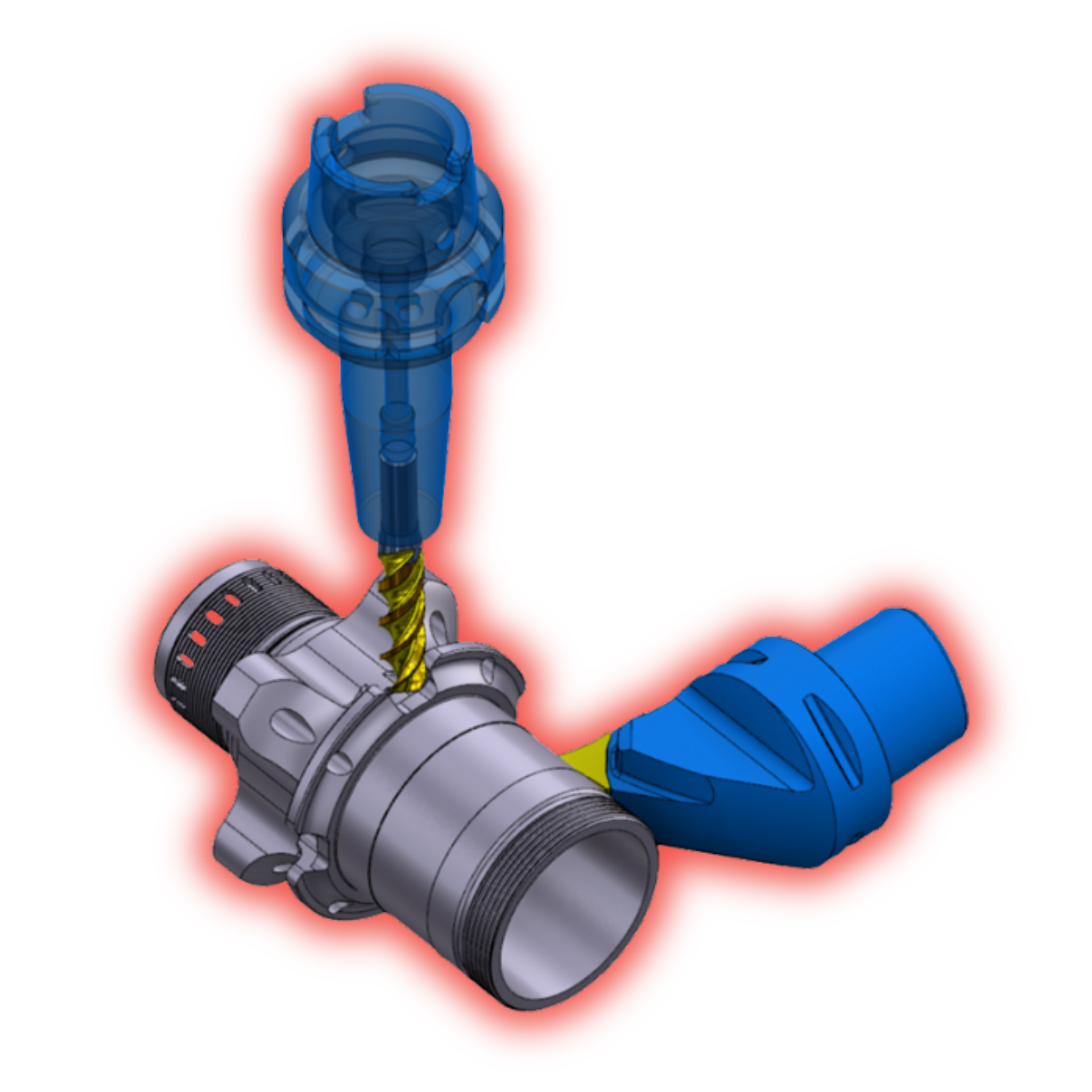
Support for saving and Loading Parameters in Turning Toolpaths
For Lathe and Mill-Turn users, turning toolpaths now feature the ability to save and load parameters directly via toolbar buttons.
These buttons replace the context menu options used in previous Mastercam versions, providing a faster and more intuitive workflow.